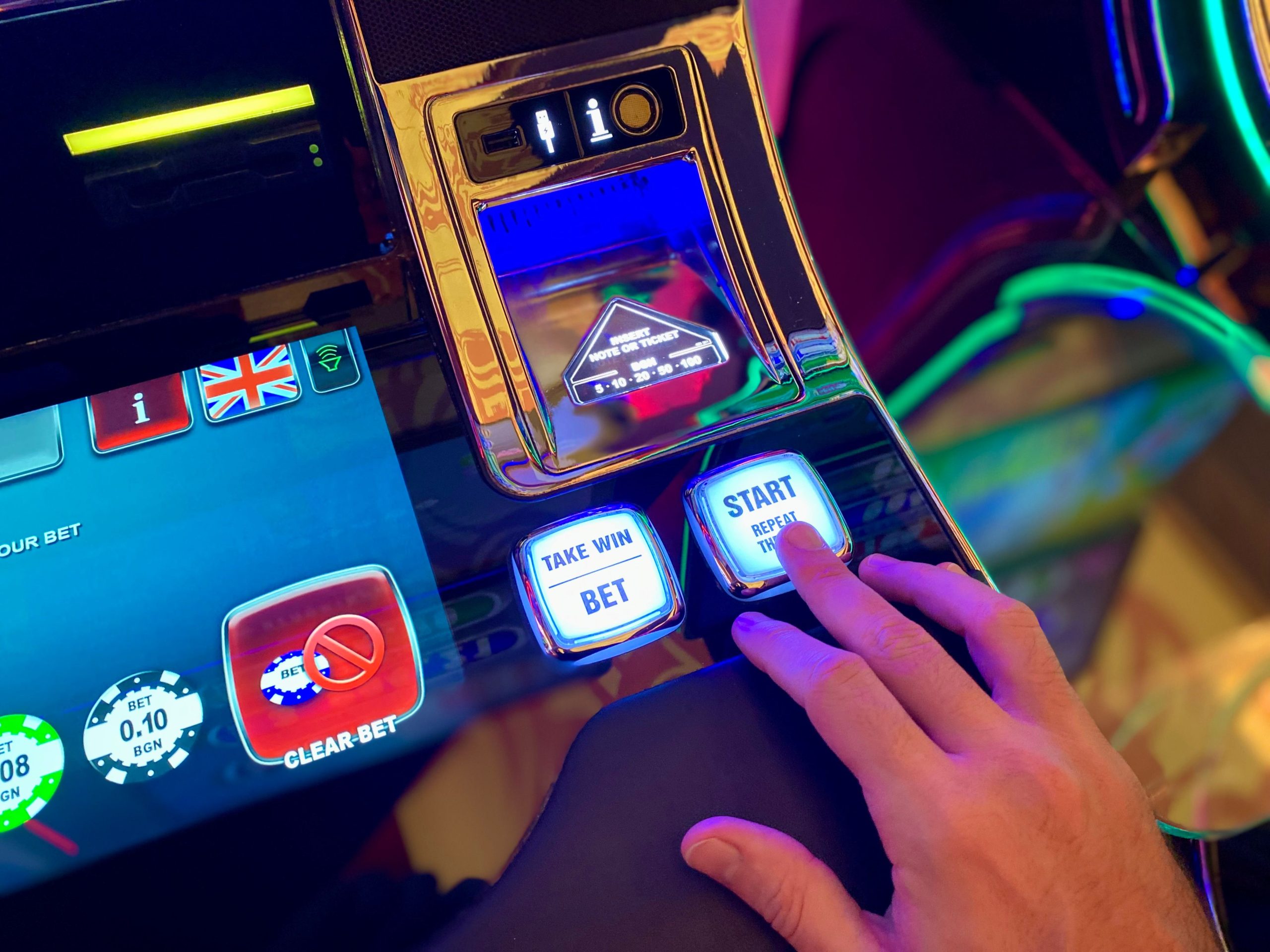
Imagup General Magazine 2025
Streaming subscriptions, mobile games, digital rentals, and online casino-style platforms are easy to join and even easier to forget about. A few dollars here and there rarely feels like a problem, but over a month those small payments can turn into a real expense. Before you spend money on online entertainment, it helps to slow down and check a few things. Here are seven worth considering.
1. Set a Monthly Entertainment Budget
Start with a number. Decide how much you can comfortably spend on entertainment each month, and treat that amount as a ceiling rather than a suggestion. Writing down your recurring costs, such as streaming services, game passes, and app subscriptions, shows you how much of that budget is already committed before you buy anything new.

A budget does not need to be complicated. A spreadsheet or a notes app works fine. The point is to make spending visible, so that a new purchase is a decision you make on purpose instead of something that slips through on a busy evening.
2. Read Subscription Terms and Free Trials Carefully
Many entertainment services start with a free trial that quietly converts into a paid plan. Before you sign up, find out how much you will be charged, how often, and how to cancel. The Consumer Financial Protection Bureau has pointed out that negative option programs that renew unless you cancel must clearly disclose their terms and make cancellation reasonably simple.
Check for pre-selected add-ons during sign-up, set a calendar reminder a few days before a trial ends, and look at your statements after you cancel to make sure the charges have actually stopped.
3. Watch Out for In-App and Casino-Style Purchases
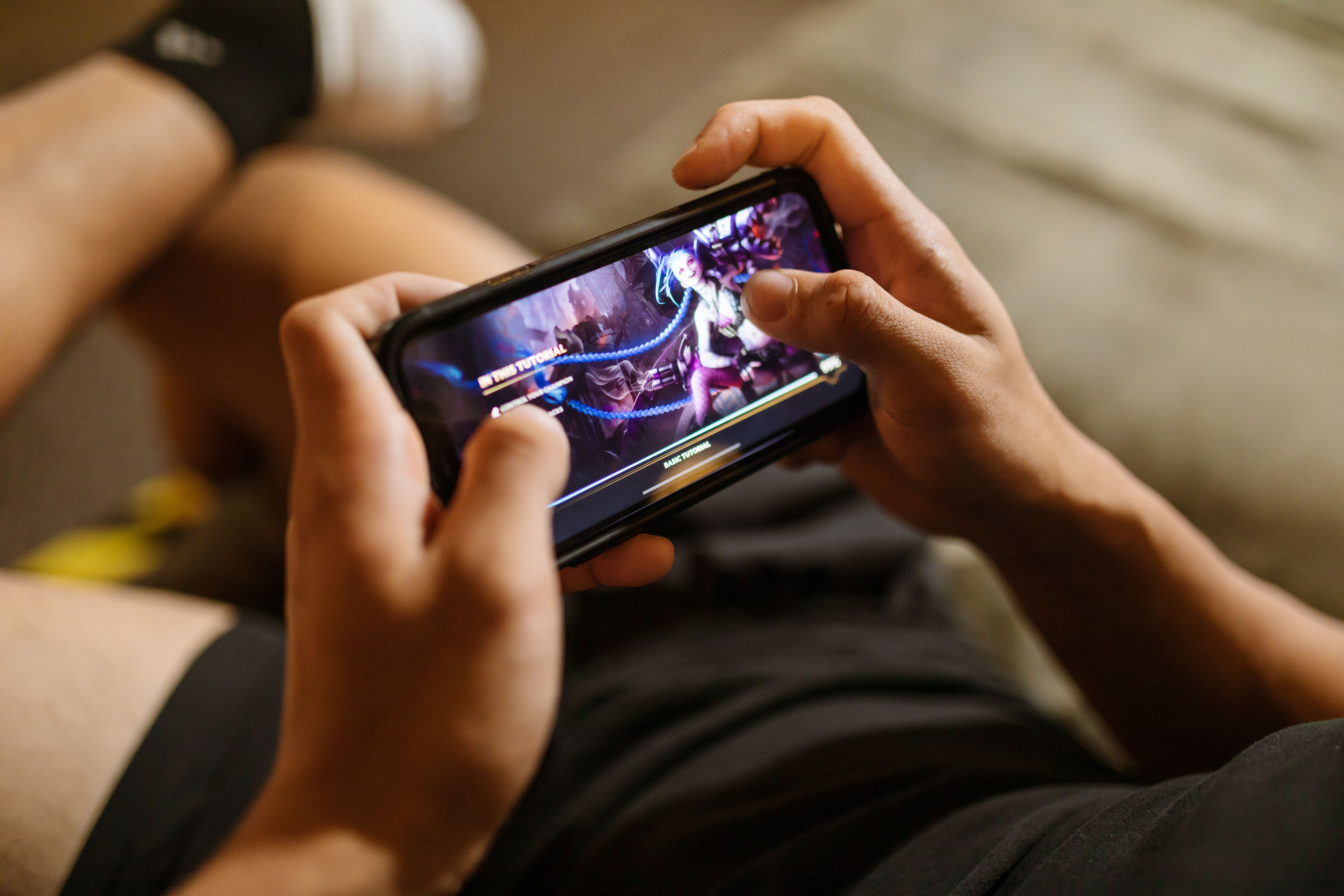
Free games are rarely free. In-app purchases can use virtual currencies that hide the real price, so a pack of gems may cost far more than it appears. Look for spending limits in your device settings, require a password for every purchase, and consider turning off one-tap buying if it is available.
The same caution applies to casino-style entertainment. If you are exploring that world, compare the terms and the responsible gambling tools before you deposit anything. Casinous is one brand that publishes information about online casino platforms, so you can visit here to look at the options. Treat any deposit as money spent on entertainment, not as an investment, and set a firm limit before you start.
4. Compare Streaming Options Before Adding Another One
It is easy to collect streaming services one at a time until the total starts to hurt. Before adding another service, ask whether you would actually use it every month. Some platforms offer ad-supported tiers that cost less, and some bundle several services for a lower combined price.
Make a short list of what you watch most often and check which platform carries those titles. If two services overlap heavily, keep the one you use most and cancel the other.
5. Compare Apps and Devices Before You Commit
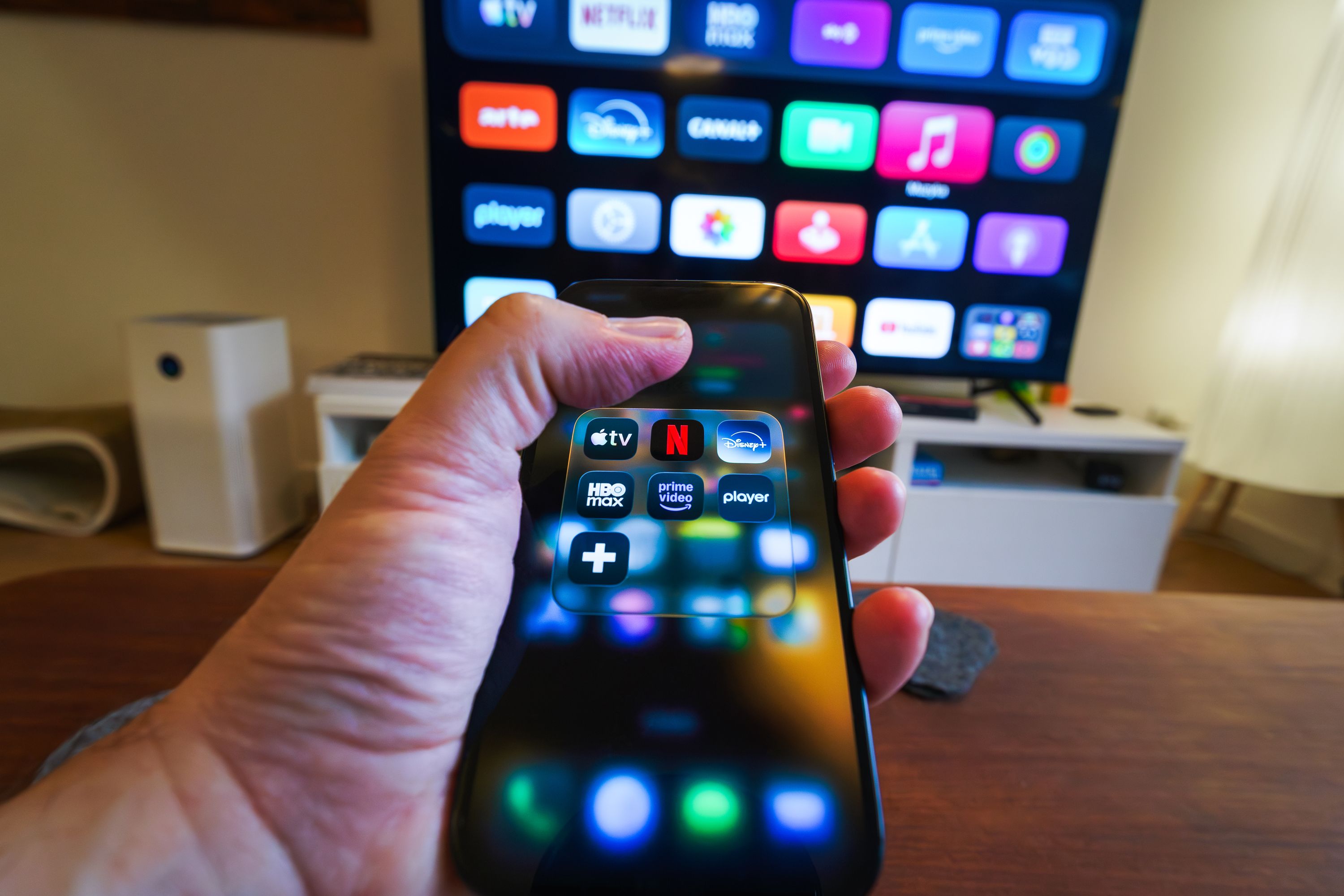
Price is only one part of the decision. Look at video quality limits, the number of simultaneous streams, offline downloads, and whether the app works on the devices you already own. A cheaper plan that only allows one screen may cost more in practice if your household needs two.
Reading recent reviews can also help. Pay attention to comments about billing problems, customer support, and how easy it is to cancel, not just the content library.
6. Make Cancelling and Payment Methods Easy to Manage
Use a payment method you can monitor closely. A dedicated card or a digital wallet with alerts makes it easier to spot unexpected charges. The Consumer Financial Protection Bureau also recommends avoiding storing a debit or credit card on gaming accounts where possible, especially for children, and using gift cards or parental controls to limit surprise spending.
Before you need to cancel, note where the cancel button lives, whether it is in the app, on the website, or through the app store. Services that make cancelling hard are a warning sign in their own right.
7. Make Your Home Entertainment Count
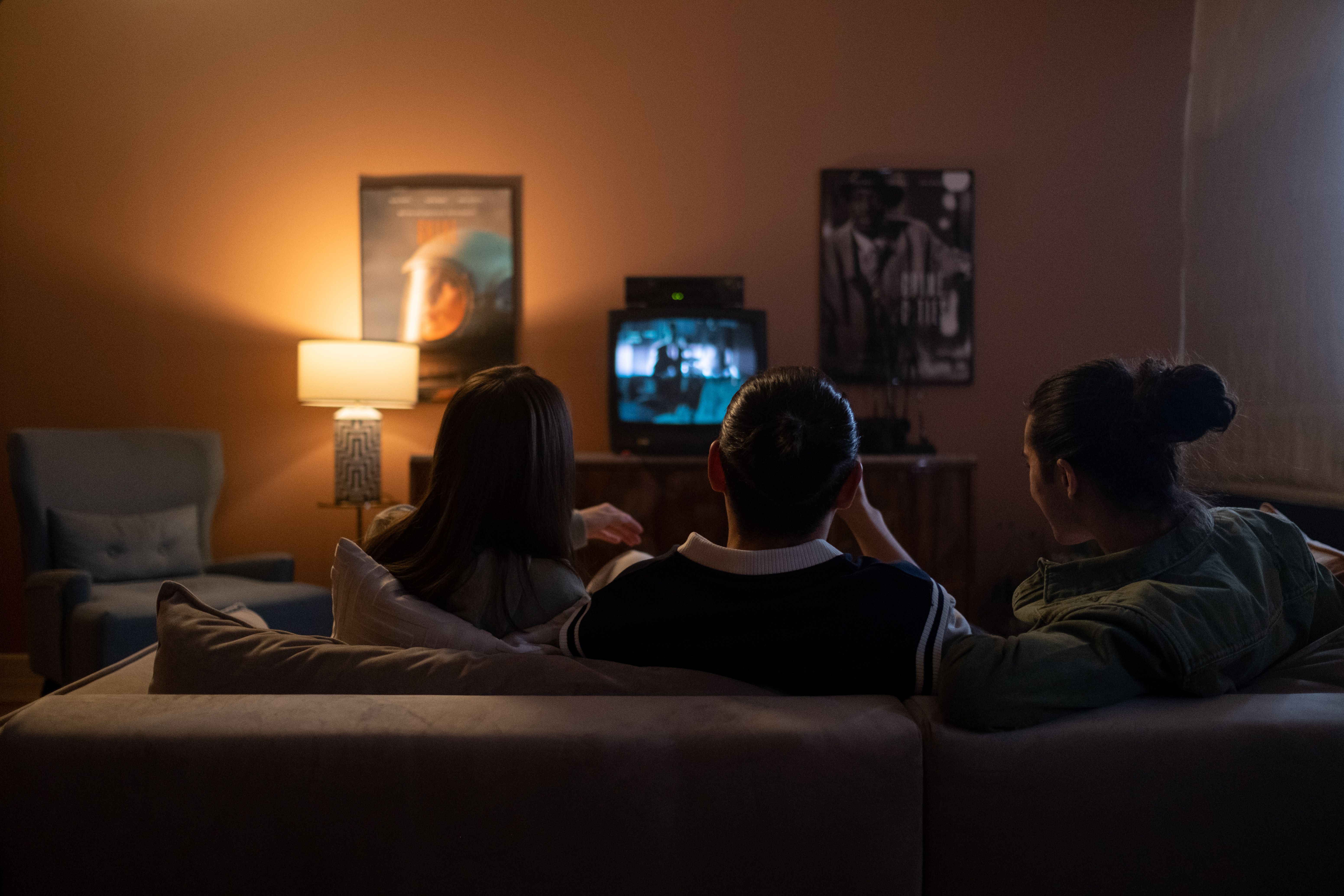
Spending money on entertainment is not the problem. Spending it without thinking is. Plan a few titles or games you genuinely want, rather than buying whatever is promoted on the home screen. Sharing a plan with family members where the service allows it, or rotating subscriptions each quarter, can keep costs predictable while you still enjoy the content you care about.
Good entertainment spending comes down to small habits: knowing your limit, reading the fine print, and checking your statements. Those habits take only a few minutes a month, and they make it much easier to enjoy what you pay for without wondering where the money went.